HOME · TECH
The Best Smart Thermostats: The Ones Worth Buying in 2026
A smart thermostat is one of those upgrades that sounds more exciting than it actually is. The good ones make the HVAC system easier to live with. The rest just add an app.
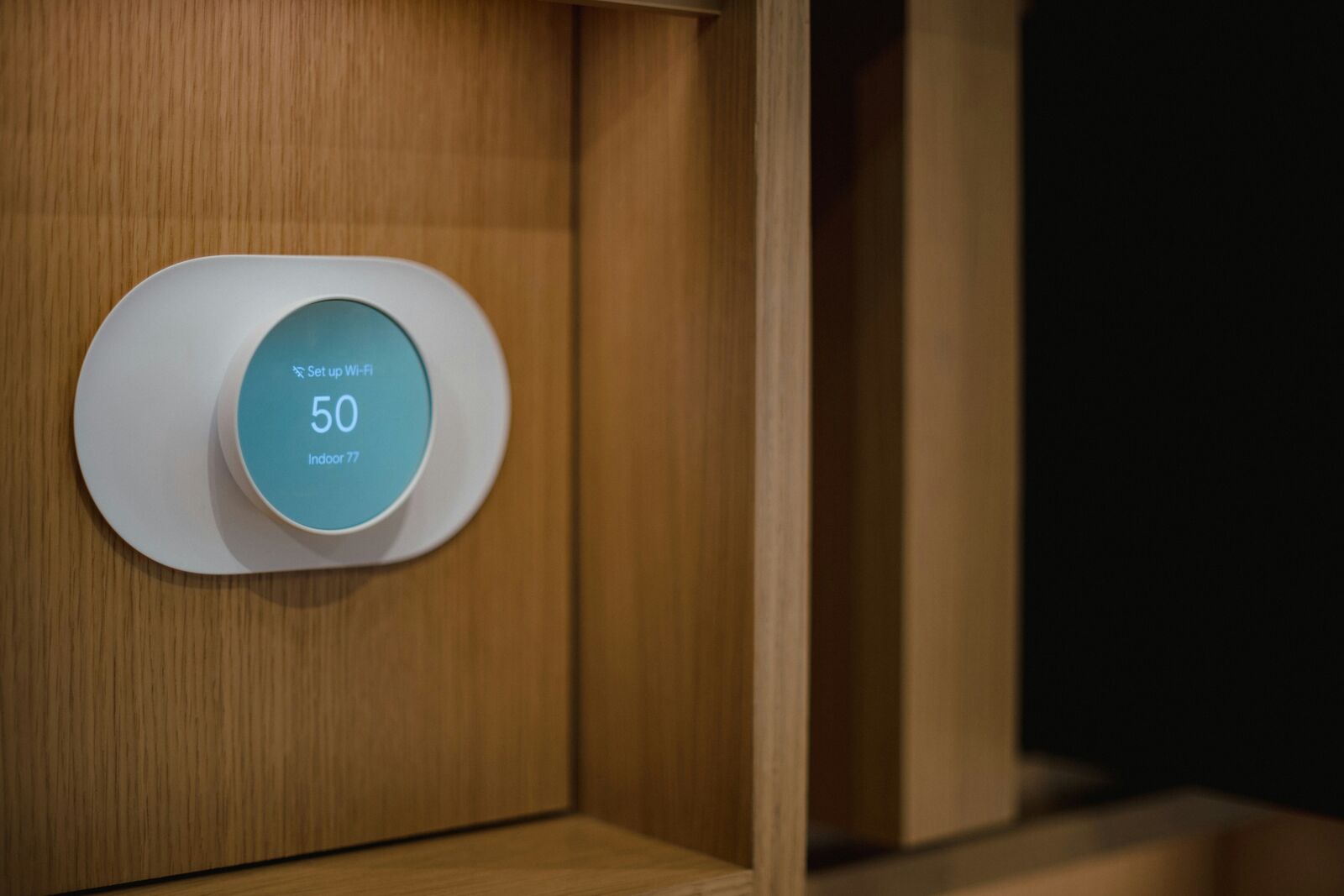
You put it on the wall, connect it to Wi-Fi, and suddenly you can change the temperature from your phone. That's useful, but it isn't really the reason to spend $100 or more on a thermostat.
The good ones can adjust the temperature when you're away, learn your schedule, monitor different rooms and help prevent you from heating or cooling an empty house. The problem is figuring out which one is actually worth buying.
They aren't all designed for the same homeowner. Some are better if you want everything to happen automatically. Others are better if you have rooms that are always too hot or too cold. And if you're trying to spend as little as possible, you don't necessarily need a $250 thermostat.
Best overall: ecobee Smart Thermostat Premium
The ecobee Smart Thermostat Premium is probably the most complete smart thermostat you can buy right now. It's built around the idea that the temperature at the thermostat isn't necessarily the temperature you care about. The Premium comes with an ecobee SmartSensor that can monitor another room, helping the system account for hot and cold spots throughout the house.
That's a genuinely useful feature. If your thermostat is in the hallway but your bedroom is upstairs, the temperature at the thermostat doesn't tell you much about how comfortable the bedroom actually is.
The Premium also includes built-in Alexa and Siri support, Apple HomeKit compatibility, occupancy detection and a built-in indoor air-quality monitor. It can also provide energy reports and automatically make adjustments based on your schedule and whether you're home.
At around $260, it's certainly not cheap. But you're getting considerably more than a thermostat that simply lets you change the temperature from your phone.
- Room sensor included
- Excellent smart-home compatibility
- Built-in Alexa and Siri
- Indoor air-quality monitoring
- Automatic scheduling and energy-saving features
The downside: it's expensive, and you'll generally need a C-wire or the appropriate power adapter. 4.5/5
Best for automatic scheduling: Google Nest Learning Thermostat (4th Gen)
The Nest Learning Thermostat is still one of the easiest smart thermostats to recommend. The biggest reason is simple: you don't have to spend a lot of time programming it.
The fourth-generation model learns your habits and temperature preferences and can create a schedule around them. It can also make suggestions based on things like the weather and how you use your home. It has a much more modern display and comes with a second-generation Nest Temperature Sensor.
One of the biggest advantages of the Nest is that a C-wire isn't always required, depending on your HVAC system. That's important if you're replacing an older thermostat and don't have a common wire available. It's also one of the better choices if you already use Google Home and other Nest products.
The biggest downside is the price. At roughly $280, you're paying a premium for the learning features and polished hardware, and many of its best features are most useful if you're already in Google's ecosystem. 4.5/5
Best budget smart thermostat: Amazon Smart Thermostat
At around $80, the Amazon Smart Thermostat is the easiest way to get into smart temperature control without spending a couple hundred dollars. It doesn't have the fancy display or extensive sensor system of the ecobee Premium. It doesn't learn your habits to the same degree as the Nest. That's fine. It does the basics.
You can control it from your phone, create schedules and use Alexa to adjust the temperature. It's also ENERGY STAR certified. The price becomes even more interesting when you factor in utility rebates.
The catch is that it requires a C-wire, or an appropriate adapter. There are no room sensors. 4/5
Best for multiple rooms: Honeywell Home T9
The Honeywell Home T9 lets you use remote sensors to monitor different rooms. That's particularly useful in larger homes. If your bedroom is always warmer than the rest of the house, or your basement is consistently colder, a remote sensor gives the thermostat more information to work with.
The T9 also supports geofencing and works with Alexa, Google Assistant and Apple HomeKit. It typically sells for around $200. The design isn't quite as slick as the Nest, and you'll generally need a C-wire. 4.5/5
Best no-nonsense option: Sensi Touch 2
The Sensi Touch 2 is the thermostat I'd recommend to someone who doesn't necessarily want their thermostat trying to be the smartest device in the house. You get a color touchscreen, Wi-Fi control, scheduling and compatibility with Alexa and Google Assistant. The app walks you through installation, and the thermostat has a more traditional footprint.
It also has a reputation for being relatively privacy-conscious. It generally sits around $180 before rebates and supports Sensi room sensors sold separately. It doesn't have the same automation as Nest or the feature set of the ecobee Premium. 4/5
How they compare
| Thermostat | Best for | Approx. price | Room sensors | C-wire |
|---|---|---|---|---|
| ecobee Premium | Best overall | $260 | Yes, included | Usually |
| Nest Learning 4th Gen | Automatic scheduling | $280 | Yes, included | Not always |
| Amazon Smart Thermostat | Best value | $80 | No | Yes |
| Honeywell Home T9 | Multiple rooms | $200 | Yes | Usually |
| Sensi Touch 2 | Simplicity | $180 | Optional | Yes |
Prices change, and smart thermostats are particularly worth checking for utility rebates before buying.
Before you buy one, check your wiring
This is the part that can turn a simple thermostat upgrade into a frustrating Saturday. Check what wiring you have behind your existing thermostat and make sure the new model supports your HVAC system.
The C-wire, or common wire, provides continuous power to the thermostat. Some smart thermostats can operate without one, while others require it or include an adapter. Also check whether you have a heat pump, multi-stage heating or cooling, dual-fuel equipment or another less-common setup.
What about energy savings?
A smart thermostat can help reduce energy use, particularly if you're currently heating or cooling your house when nobody is home. The thermostat itself isn't going to magically slash your utility bill. How much you save depends on your house, HVAC system, climate and how you use it.
The biggest benefit for many homeowners is simply automation: stop heating an empty house, adjust temperatures while you're sleeping, and get reminders when something appears to be wrong.
THE VERDICT
Buy the one that fits the house.
Best overall: ecobee Smart Thermostat Premium. Best learning: Nest 4th Gen. Best value: Amazon Smart Thermostat. Best for multiple rooms: Honeywell T9. Best simple option: Sensi Touch 2. You don't need to spend $300 to get useful features. Spend more when you actually need the extra sensors and automation.